POSTMAN Collections
5 min
Ingesting Meters using POSTMAN
One of the easiest ways to get started with the Amberflo API is by using our Postman collection.
With Postman, you can:
- Create meters
- Ingest metering data
- Query ingested data
All within just a few minutes—no coding required.
This is an ideal approach for:
- Testing the API
- Exploring available endpoints
Getting a quick hands-on understanding of the metering workflow
Github repo https://github.com/amberflo/api-postman
Prerequisites
Postman
node.js
newman - Postman runtime
Installation Download github repo https://github.com/amberflo/api-postman (also on the github page)
Postman Instructions
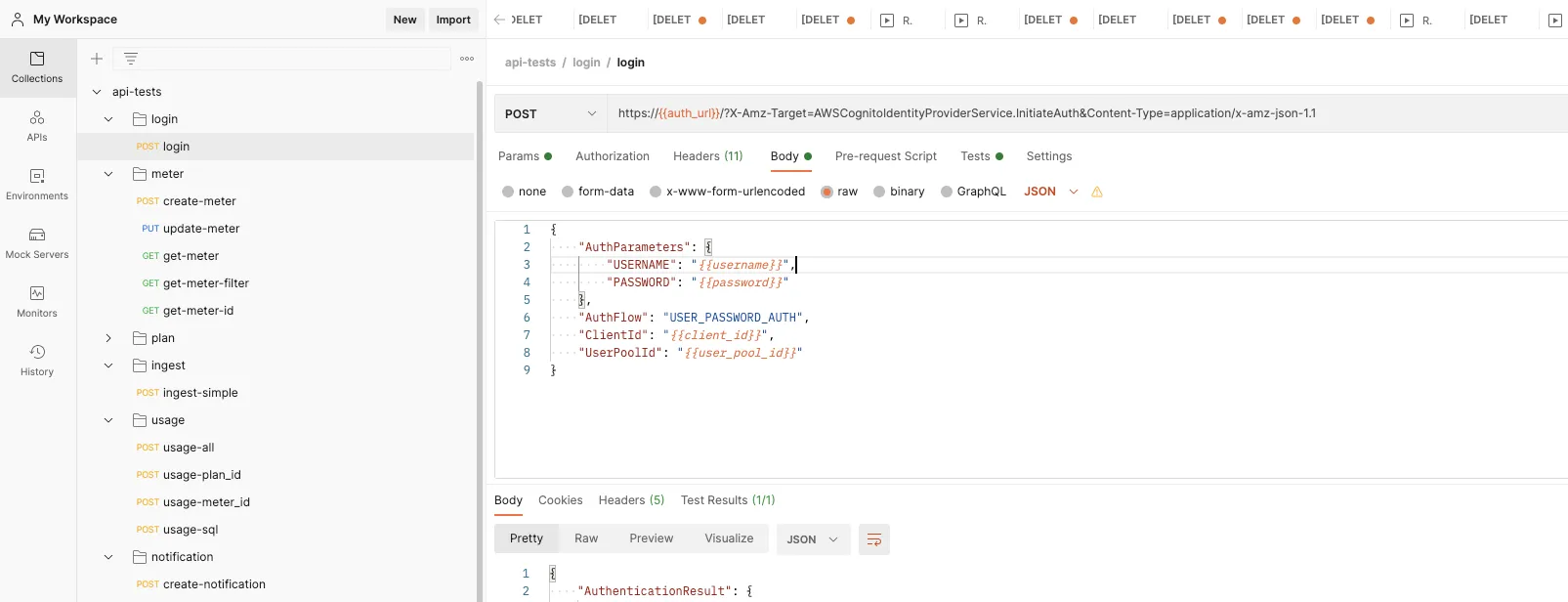
Import collection /api-postman/api-tests.collection.json into Postman
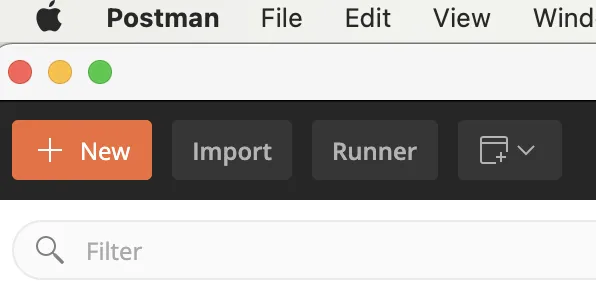
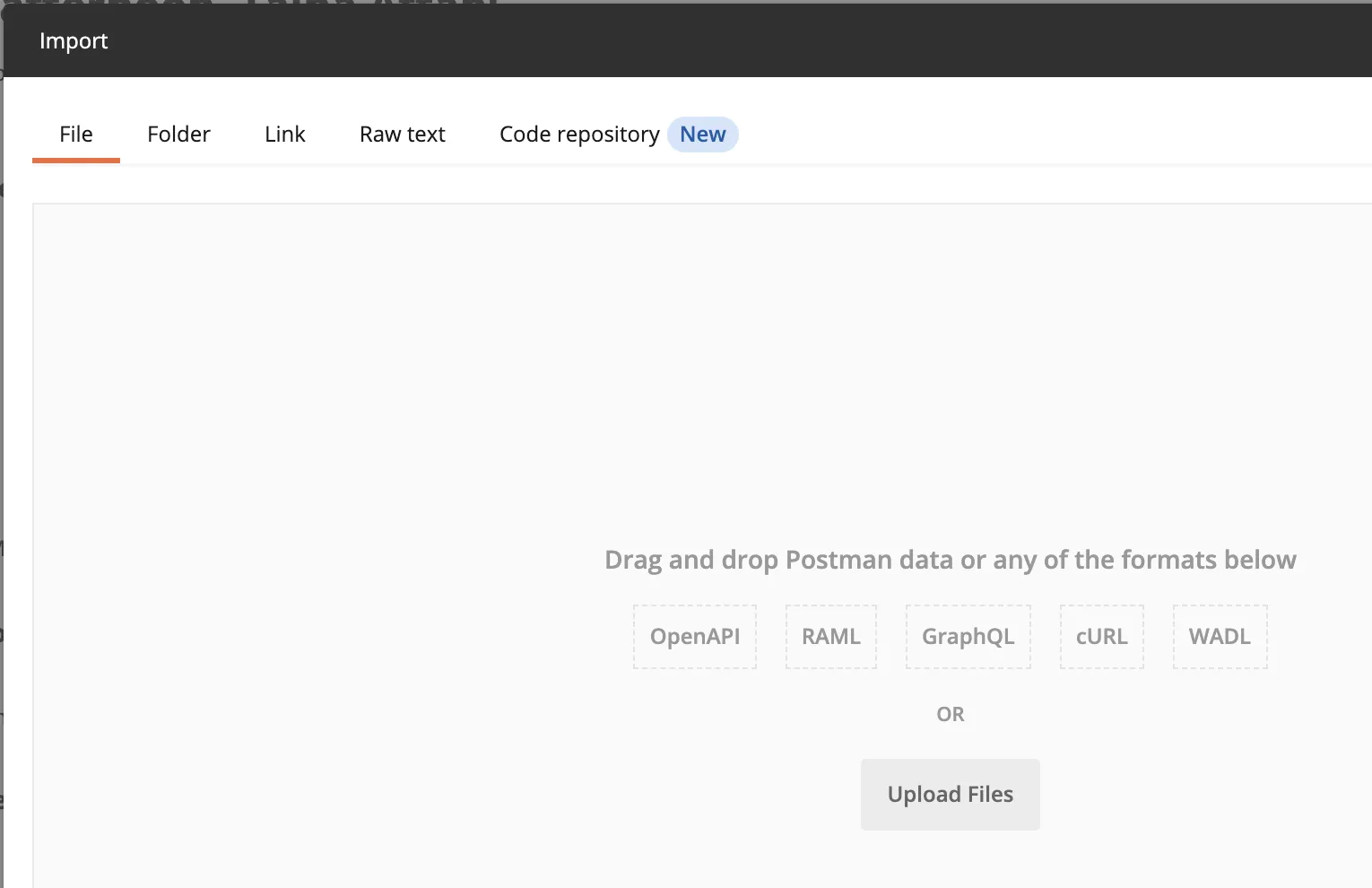
Import environment file /api-postman/env-prod.json into Postman
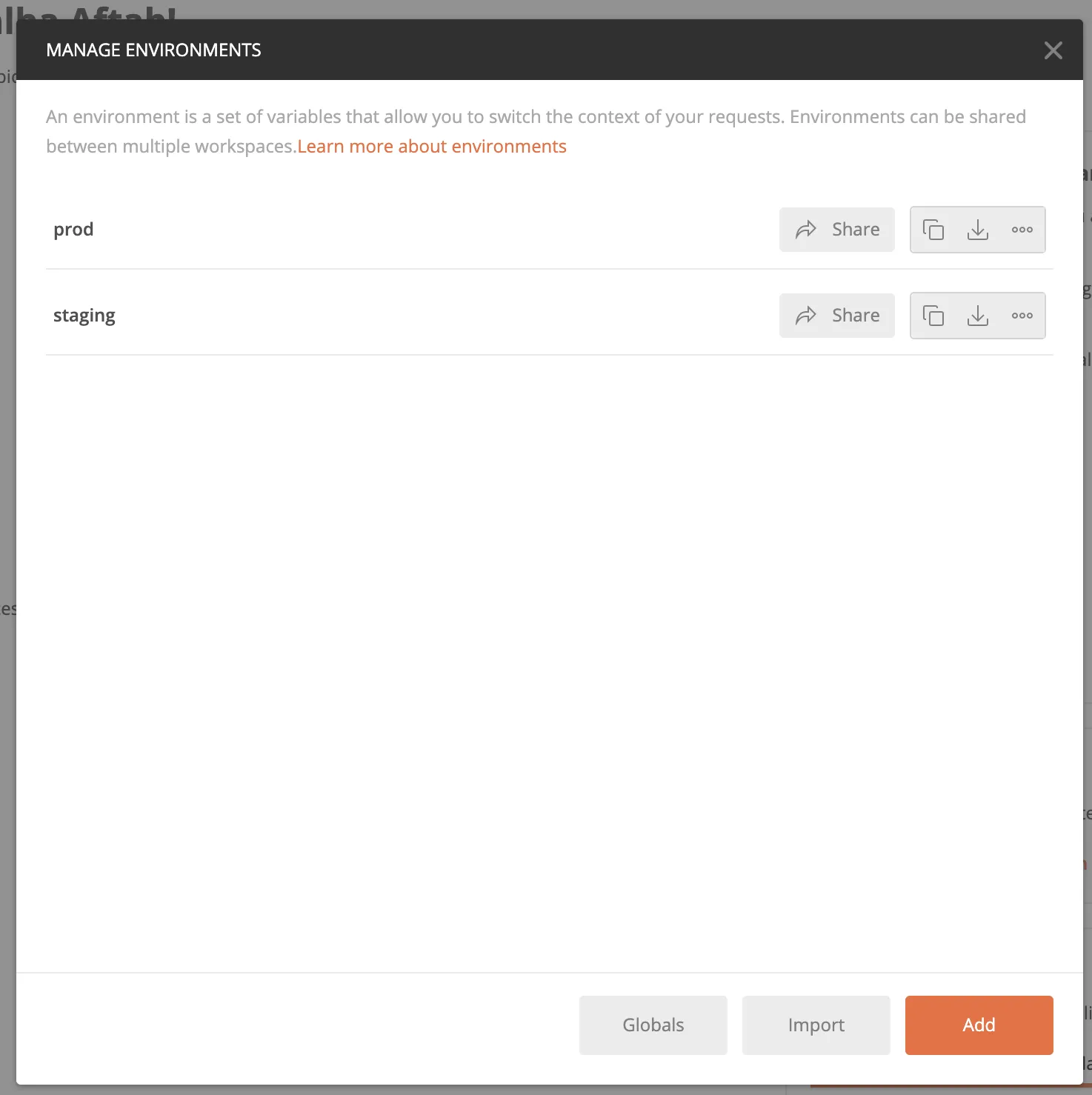
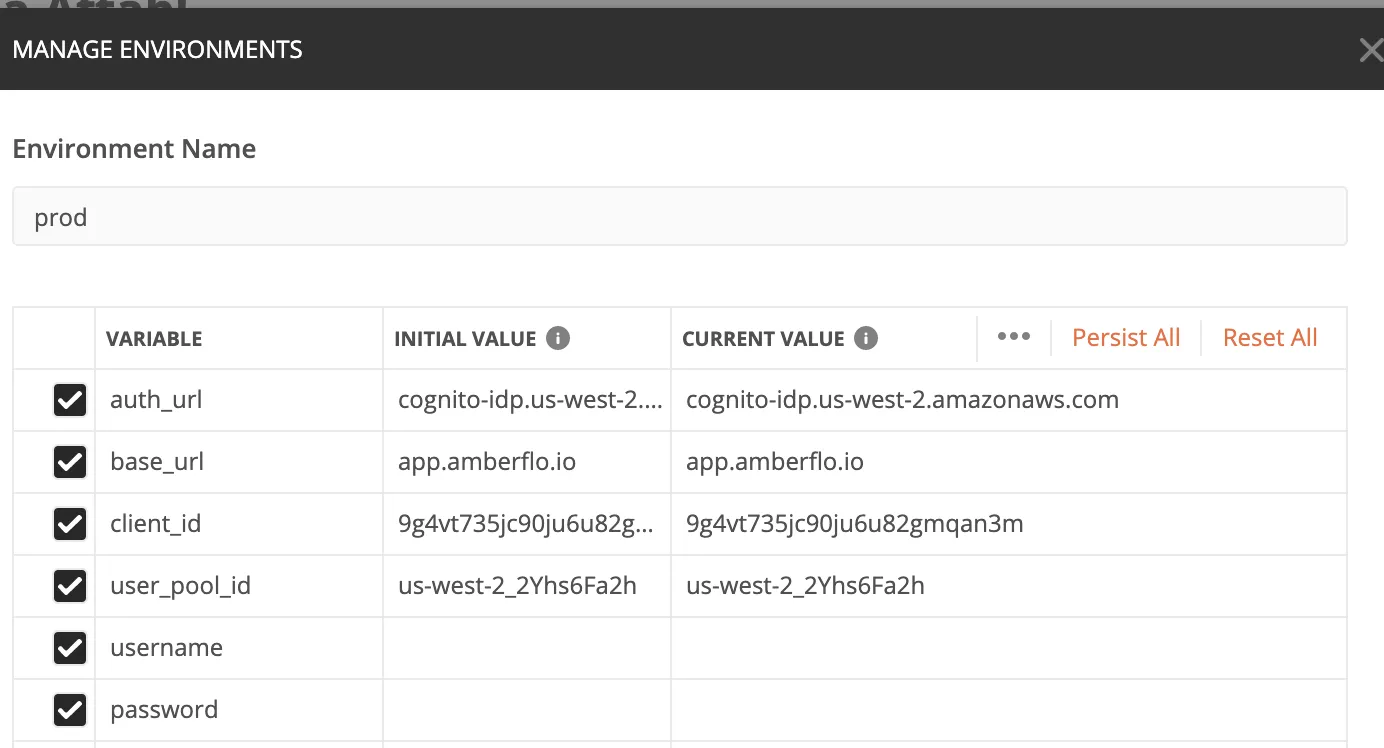
Set Amberflo’s username, password, X_API_XEY, and s3_bucket in prod environment file.
{
			"key": "username",
			"value": "",
			"enabled": true
		},
		{
			"key": "password",
			"value": "",
			"enabled": true
		},
		{
			"key": "X_API_KEY",
			"value": "",
			"enabled": true
		},
		{
			"key": "s3_bucket",
			"value": "",
			"enabled": true
		}
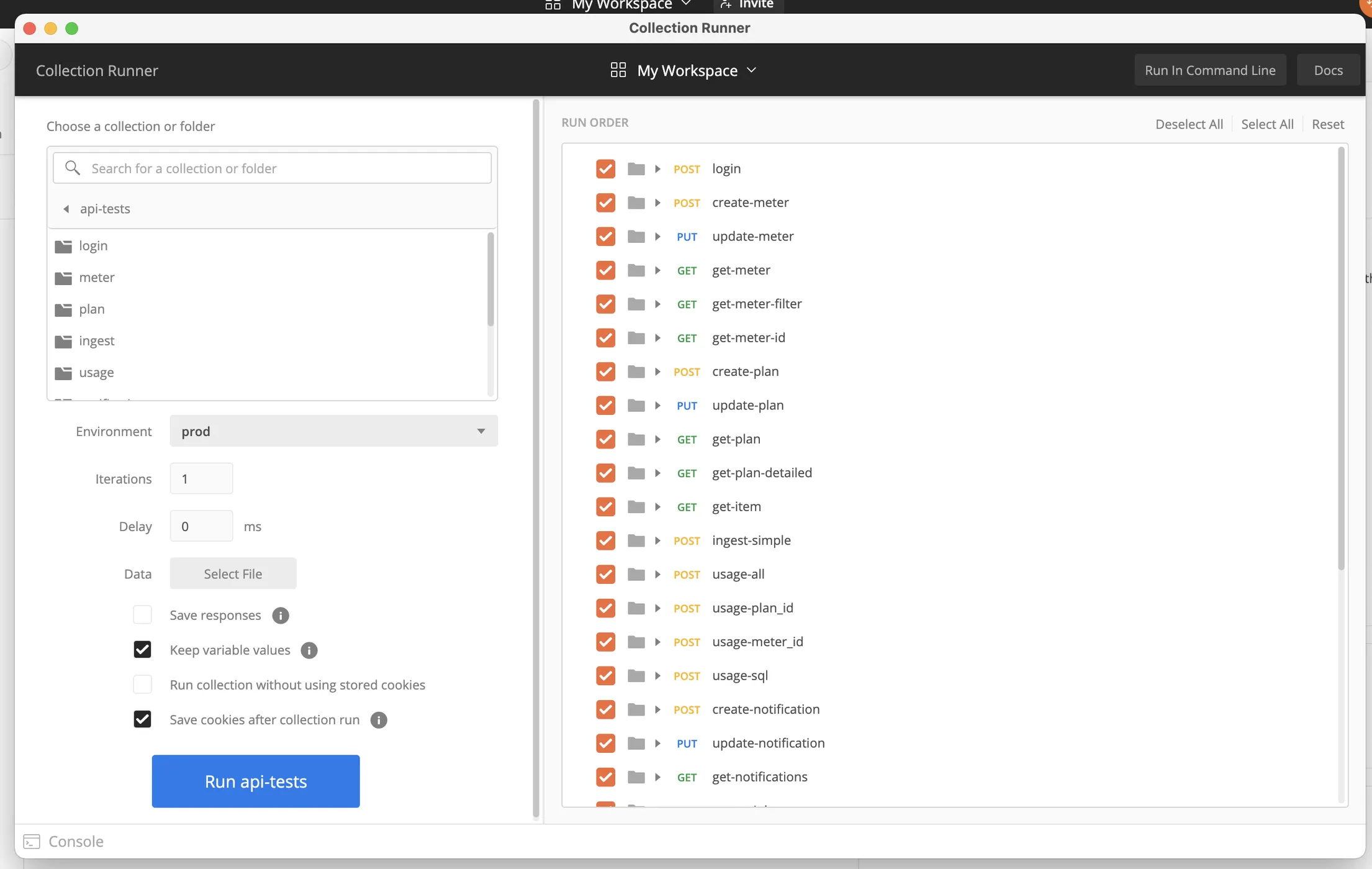
Launch Runner, select collection and environment file and run.